 on 5 September 2026
 SuiviDeFlotte.net Connector for DoliPlus
The SuiviDeFlotte connector syncs your customers/suppliers and vehicles between DoliPlus and the SuiviDeFlotte.net tracking platform. This lets you locate equipment and track routes without duplicate data entry.
What does the SuiviDeFlotte connector do?
SuiviDeFlotte.net provides solutions for tracking vehicles and equipment. The SuiviDeFlotte connector automates POI (Point of Interest) synchronisation and enables machine-to-machine data exchange.
This is an optional module. Contact support for activation.
Set up and configure the module
Setup requires a few prerequisites: the Geolocation (Google Maps) and Resources modules must be activated with proper permissions.

Next, go to Tools → Miscellaneous → Geolocation, then the SDF tab. Enter the security token for data exchange. Before syncing customer/supplier groups, enable the option and run a geolocation index – only geolocated records will sync. Learn more about geolocating records
To avoid conflicts, sync step-by-step, one group at a time (customers, then prospects etc.). Note that synchronisation is one-way – don’t manage POIs directly on SuiviDeFlotte.net to avoid broken links.
Sync records, jobs and sites
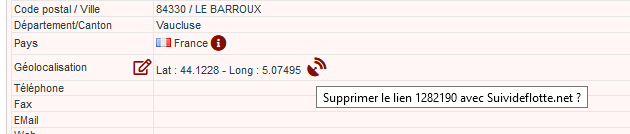
Once active, modified records are geolocated then synced. If a record isn’t geolocated, use the GPS icon on its address to place it on the map.
The SuiviDeFlotte connector also handles job and site addresses. Depending on settings, it syncs addresses linked to contacts with “Job address” or “Site address” roles.
View vehicle routes
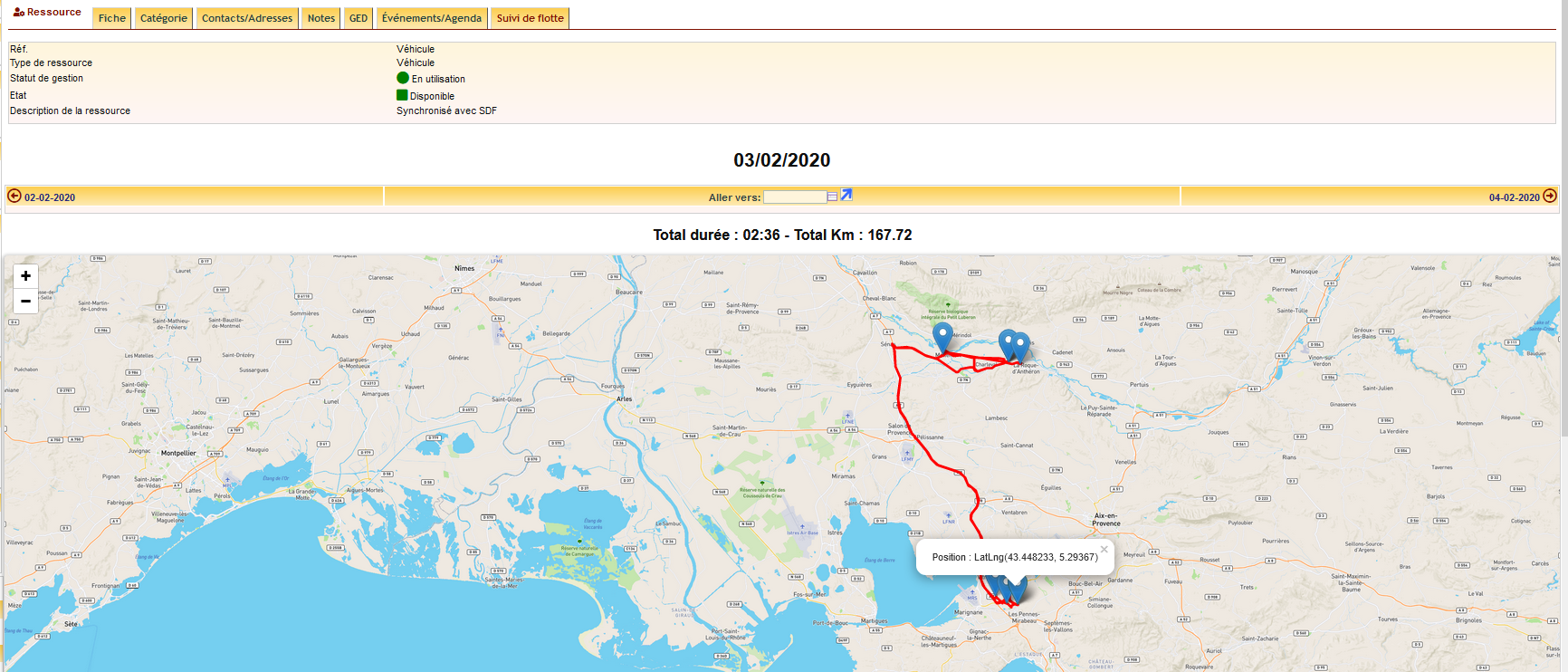
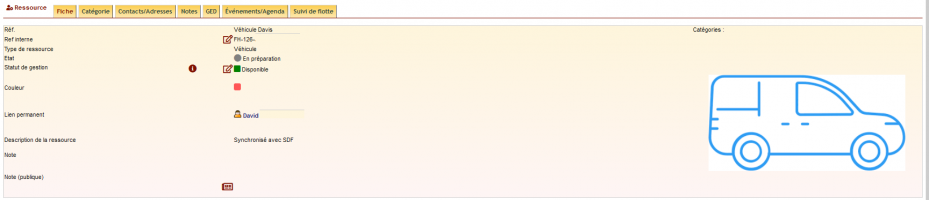
Vehicles sync with resources. Go to Tools → Resources → List, then select a vehicle. A “Fleet tracking” tab shows daily route history.
Why connect SuiviDeFlotte to DoliPlus?
Managing vehicles separately from your ERP means duplicate work. The SuiviDeFlotte connector bridges both systems.
You gain three key benefits:
- No duplicate entry – automatic sync for records and addresses
- Reliable tracking – monitor equipment locations
- Complete history – view routes per vehicle
Learn more about resource management
Next steps
