 on 5 September 2026
 Geolocation
Geolocating a customer or supplier places your clients and prospects on a map, directly from their record. This way, you can view their location and plan your sales routes more easily.
Geolocating a customer or supplier from their record
On the customer or supplier record, the address field appears with its dedicated icon. With one click, you launch the geolocation and get a clickable link to the map.
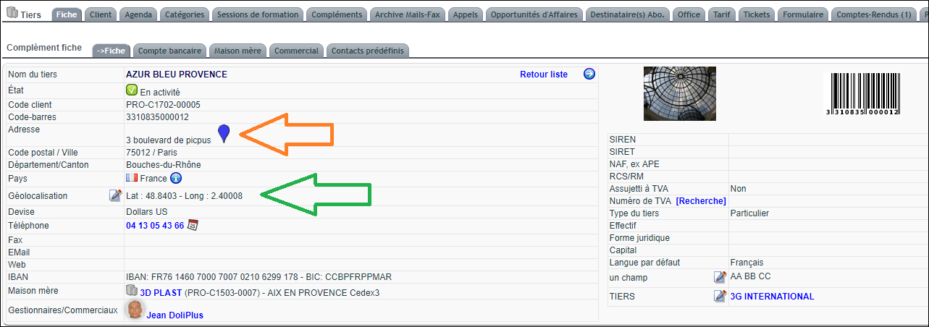
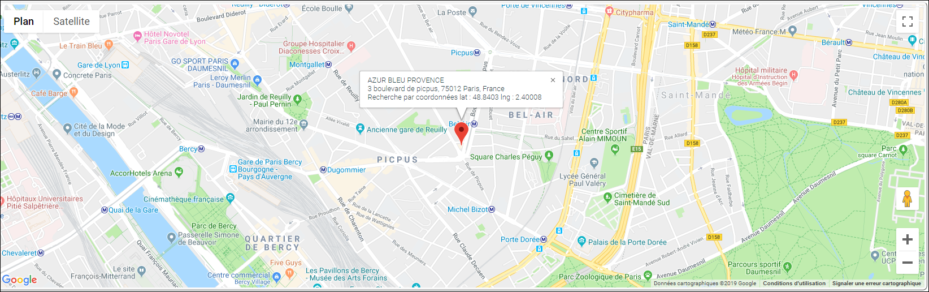
A few key points to remember:
- each new address entry stores the result in the Geolocation field;
- you can manually adjust the values in this field;
- however, modifying the record resets the coordinates.
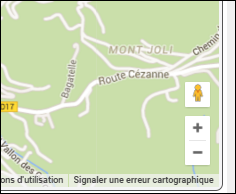
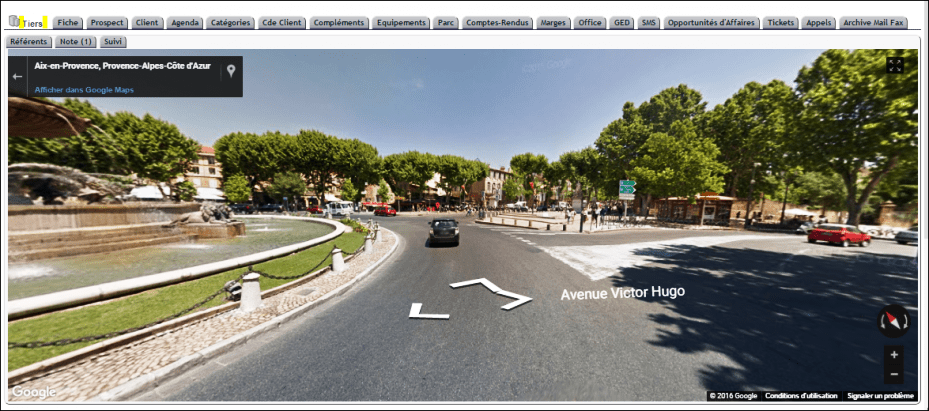
Additionally, you can enable the “street view” to visualise the address surroundings.
Geolocating a contact or address
The principle is the same for a contact. From their record, the address field displays the same icon. You then get a map with a clickable link.
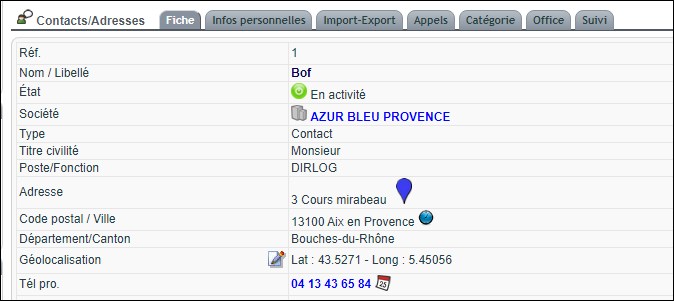
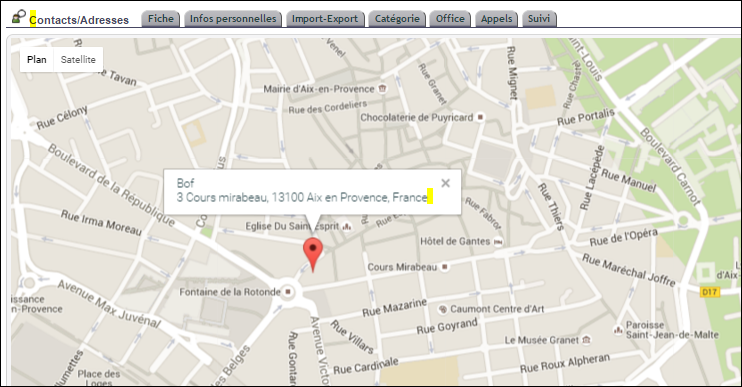
Here again, the same rules apply: automatic storage of coordinates, manual adjustment possible, and reset if the record is modified.
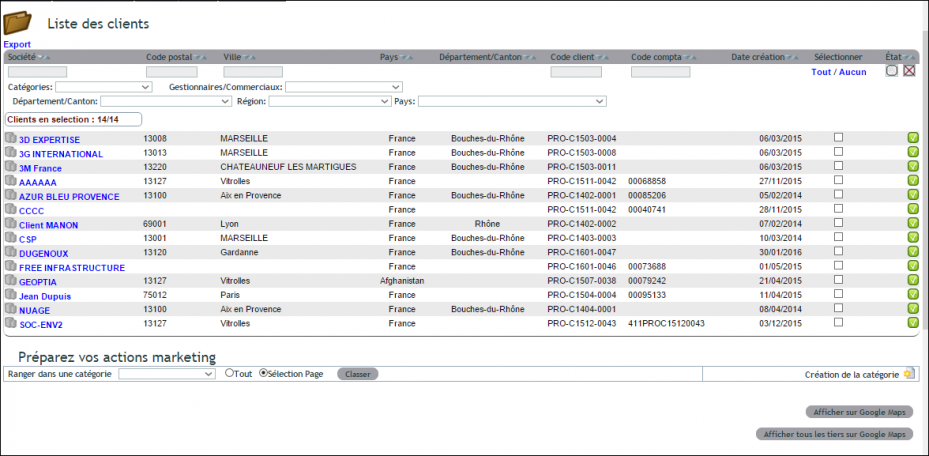
Geolocating a selection of customers or prospects
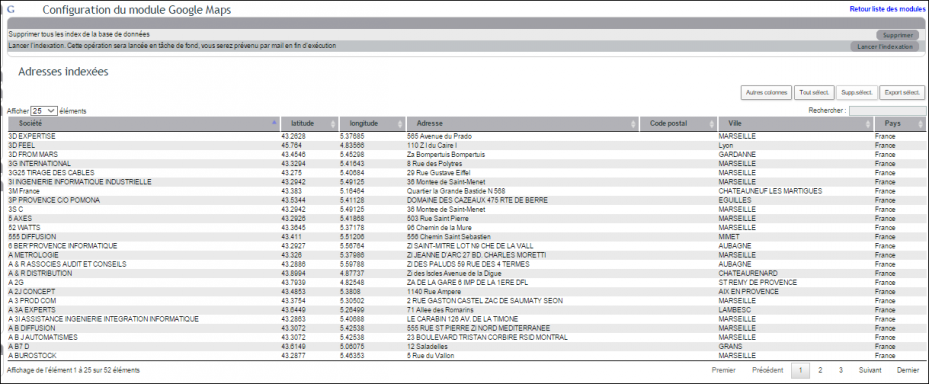
DoliPlus also geolocates your customers and suppliers in bulk. Before starting, first index the CRM database. Without this step, the processing time may be too long and affect the page.
Go to the menu Tools → Miscellaneous → Geolocation, then launch the indexing. Note that bulk indexing only applies to customers and suppliers.
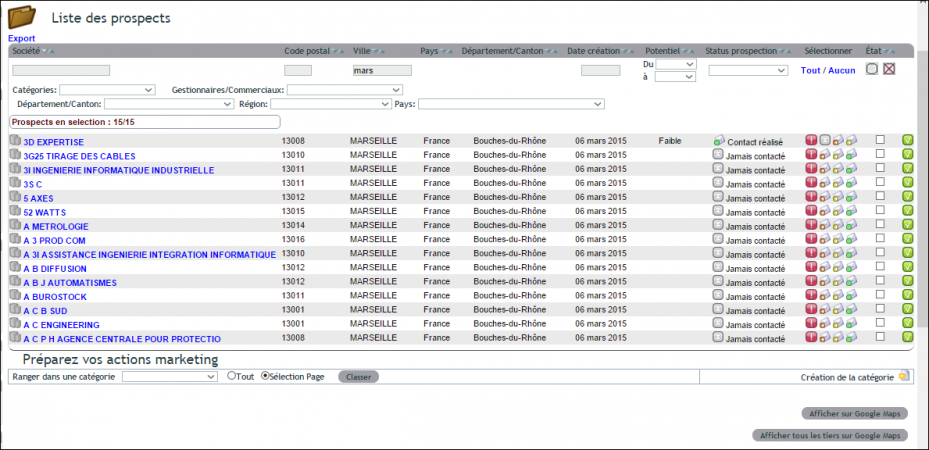
You can also start from the pre-filtered lists in the Customers and Suppliers menu.
Bulk geolocation of prospects
Bulk geolocation of customers
Why geolocate your customers and suppliers?
Geolocation of a customer or supplier isn’t just for displaying a map. It primarily helps streamline daily commercial operations. By grouping visits by area, you reduce unnecessary travel.
You benefit in three key ways:
- Optimised routes: you see which customers are close to each other;
- Geographic targeting: you identify prospects by area;
- Time savings: the address becomes a clickable point, ready for route planning.
Thus, geolocation turns a simple address into a powerful prospecting tool.
For further reading
