 on 5 September 2026
 Paste an image in the text editor
Pasting an image into DoliPlus editor lets you illustrate a message or document with a simple Ctrl + V. This way, you can add a screenshot without attaching a file.
Copy an image to clipboard
Before pasting an image into the editor, first copy it to your clipboard. Several methods exist, depending on your system and browser.
The traditional method
On Windows, you have several options:
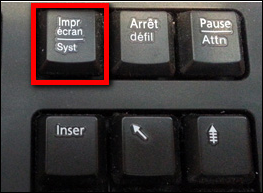
- keyboard screenshot via “Fn” + “PrtScn” (keys vary by laptop);
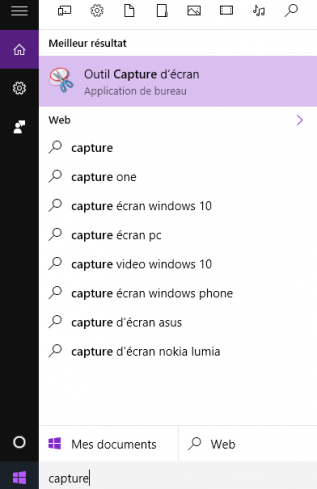
- Windows Snipping Tool, built-in since Windows Vista;
- direct copy from an image file.
On Windows 10 and later
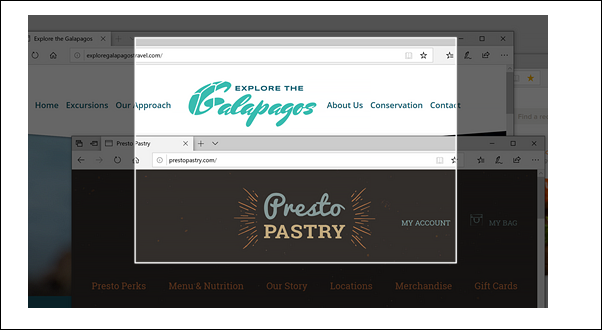
Windows 10 offers the “Snip & Sketch” tool. For quick capture, press Windows key + Shift + S. Then select the desired area – it’s instantly copied to clipboard, ready to paste into an email or document. (Microsoft source)
With Firefox or Opera
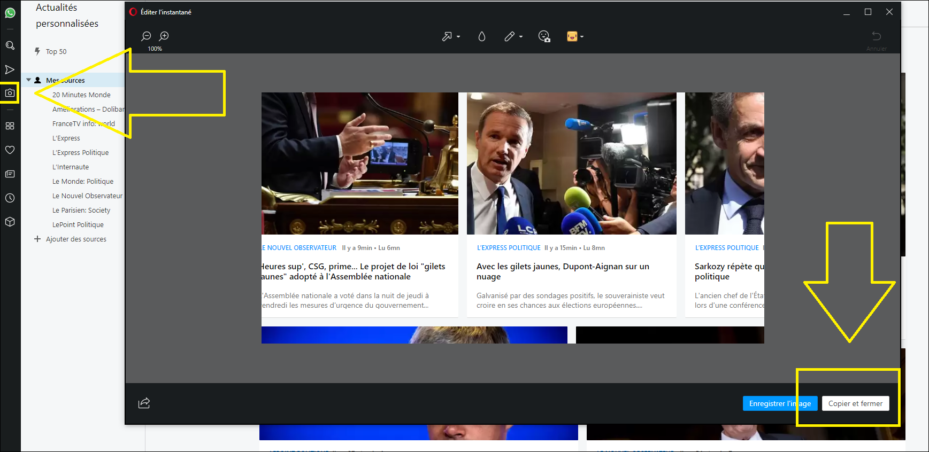
Browsers also offer built-in screenshot tools. With Firefox Screenshot, right-click the page and choose “Take screenshot”. Then click “Copy” to save the image to clipboard, ready to paste into DoliPlus.
Paste an image into the text editor
The next steps are simple and work in Chrome or Firefox. First, click in the coloured message area. Then press Ctrl + V (or Cmd + V on Mac). The image pastes directly into the editor.
Two scenarios may occur depending on your screen. In the first, the image pastes at the end of the text.
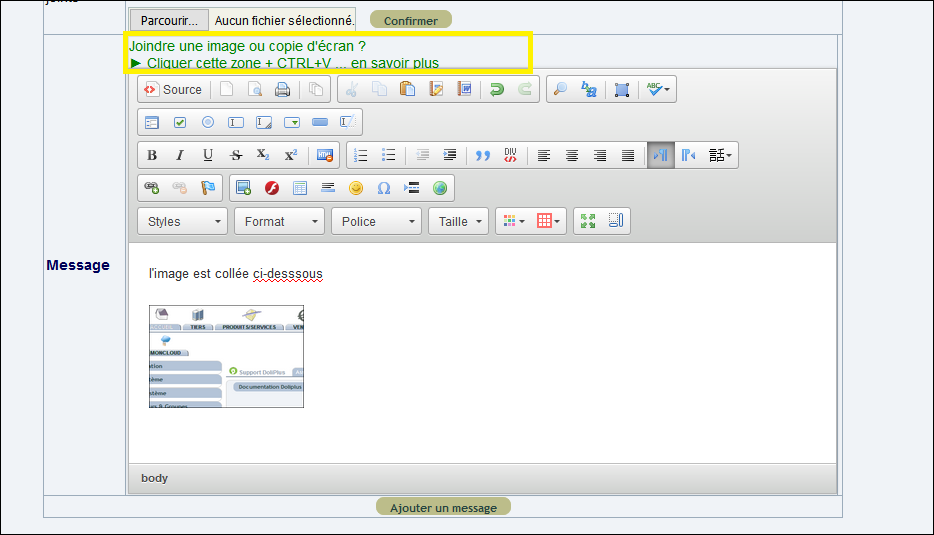
In the second, you position the cursor first, then paste the image exactly where needed.
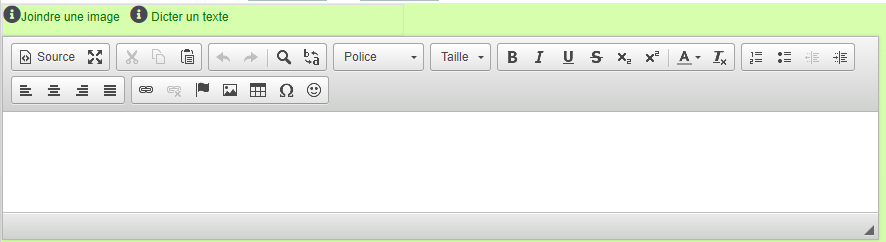
Finally, double-clicking the image lets you download it or zoom if required.
Why paste images directly?
Attaching files takes time: save, locate, upload. Pasting into the editor removes these steps, letting you illustrate exchanges instantly.
You benefit in three ways:
- Time saved: paste screenshots with one keyboard shortcut;
- Clearer messages: a picture’s worth a thousand words;
- No attachments: illustrations embed directly in text.
Learn more about sending mail in DoliPlus
Next steps
