 on 5 September 2026
 Subtotal function for quotes, orders and customer invoices
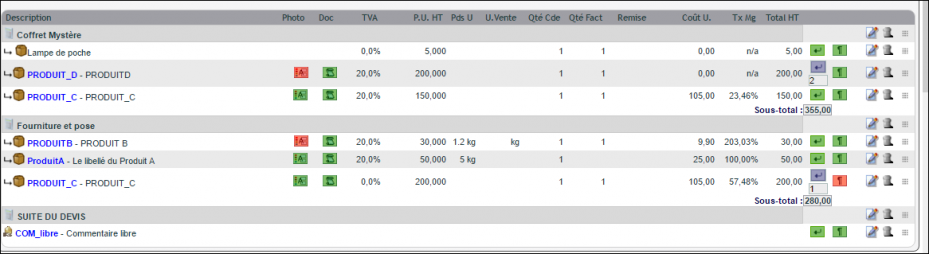
The subtotal feature on quotes lets you group multiple lines together, then display their total price on the PDF. This keeps your documents clear, even with numerous products and services.
Organising quotes with subtotals
The subtotal function aggregates products and services into blocks. When printing the PDF, it can hide price or description details. You then display a total price per group, rather than a long list.
The quote subtotal feature also applies to orders and customer invoices. As a result, your commercial documents gain readability at every stage.
The video below demonstrates the feature and its updates:
Setting up subtotals on quotes
Configuration is quick. First, go to PDF/Settings Interface, central tab “PDF Settings”. Then click the dedicated subtotals link.
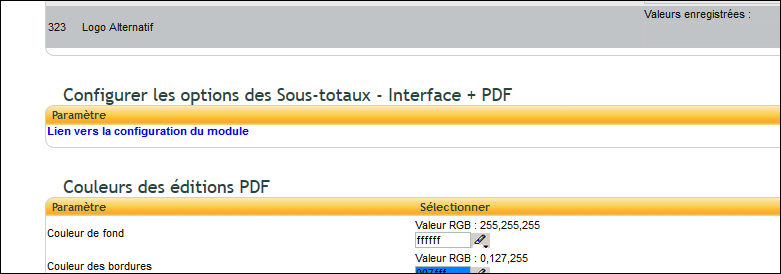
Finally, choose which options to activate based on your needs.

Attaching a line to your subtotal
In practice, a subtotal only displays an amount if lines are actually attached to it. Without attached lines, no “Subtotal” line appears – neither on screen nor on the PDF: this isn’t an anomaly, a subtotal can also serve as a simple chapter heading with no amount to display. Here are three ways to attach a line.
When creating a line
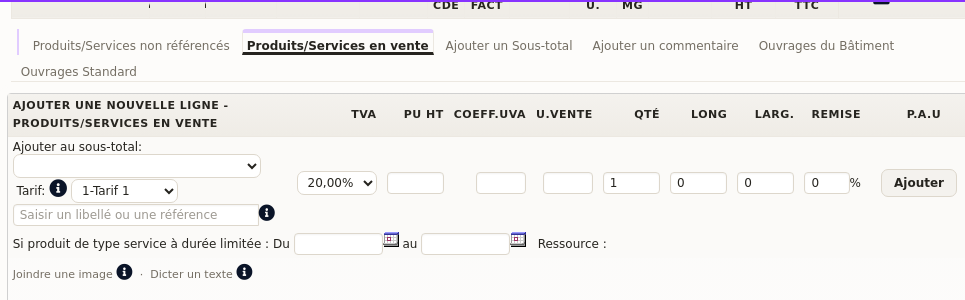
In the “Products/Services for sale” tab, the dropdown menu “Add to subtotal” lists all subtotals already present on the document. Select the one that should group the new line before clicking “Add”.
When editing an existing line
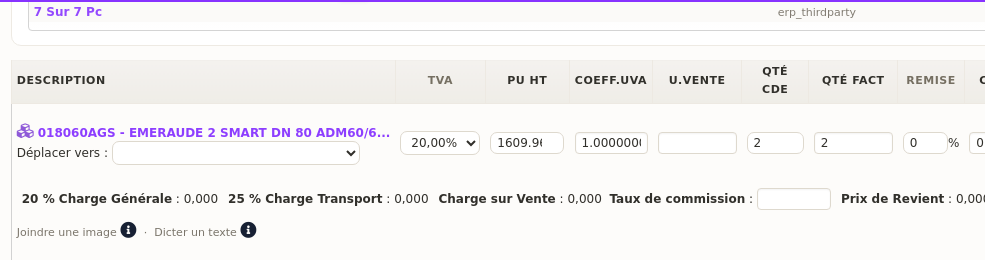
First click the edit pencil for a line already on the document. Then the “Move to” field lets you attach it, or move it to another subtotal at any time.
Via drag-and-drop
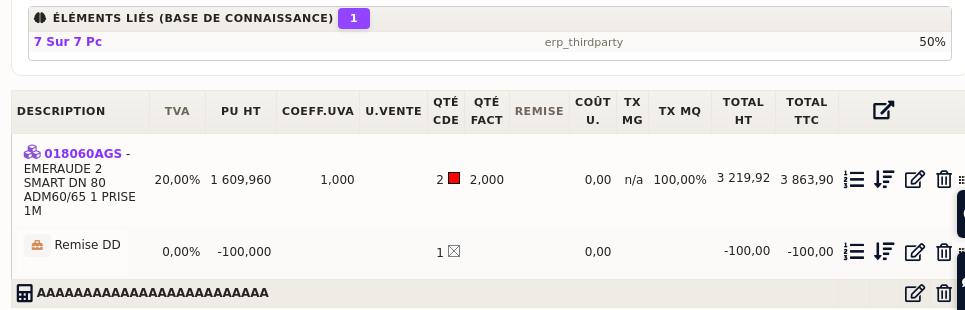
Each line has a handle on the right side of the table, next to the edit and delete icons. Simply drag it under the desired subtotal line to attach it immediately, without going through a form.
Why use subtotals?
An overly detailed quote can overwhelm the customer. Conversely, a well-placed subtotal highlights the price of a package. This makes your offer clearer and more persuasive.
You benefit in three ways:
- Clear quotes: the customer sees a price per block, not line by line;
- Controlled offers: you hide details when needed;
- Professional presentation: your PDFs stay polished, even when lengthy.
Learn more about commercial proposals
In short, subtotals in quotes are configured once, then used everywhere. You group lines according to your business logic, and your PDFs remain readable. It’s a real advantage for presenting structured offers to your customers.
To go further
