 on 5 September 2026
 Telephony – DoliPlus Vodia PABX
How to set up a Vodia PBX phone system integration with your DoliPlus CRM ERP software?
You can configure DoliPlus in several ways to establish a CTI phone system connection via VoIP.
This way, you can manage incoming and outgoing calls directly from your software. The method described below uses a Vodia PBX.
Here’s how this Vodia PBX phone system integration works:
- First, for an outgoing call, a simple click on a contact’s number rings your phone. This instantly connects you to the other party.
- Next, for an incoming call, the system notifies you and identifies the caller.
- Finally, in both cases, DoliPlus creates a record. You can log these calls and enrich your customer relationship history.
Here’s the notification screen for an incoming call.
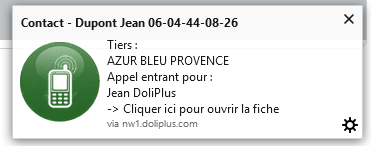
Additionally, the system automatically displays the relevant customer or supplier.
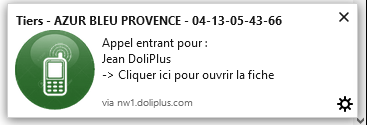
→ Then, clicking the notification opens the customer or contact record.
Moreover, the left-hand menu offers two useful shortcuts.
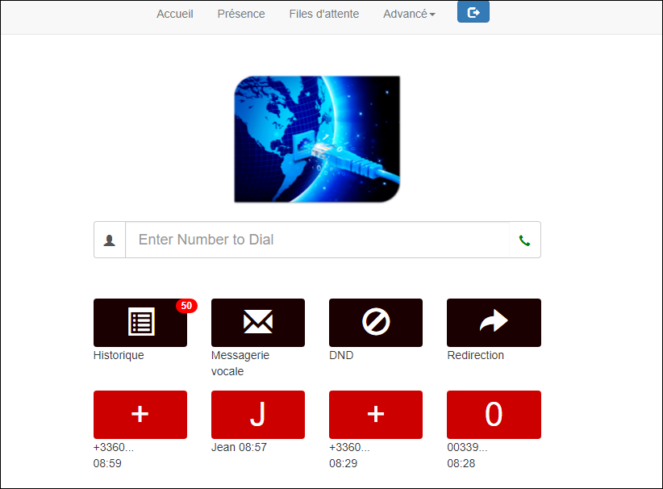
- First, clicking the Vodia logo opens your personal management dashboard (messaging, recent calls, etc.).
Here’s how to access your Vodia dashboard from the menu.
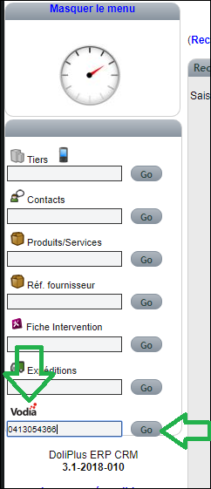
- Next, you can dial a number not in your CRM, then click Go.
In practice, clicking this immediately initiates the call as shown below.
Configuring the Phone System and Vodia PBX Integration
In the Phone System module
First, enable this first option.

Next, also enable this second option. Note that the notification module must be activated and working.

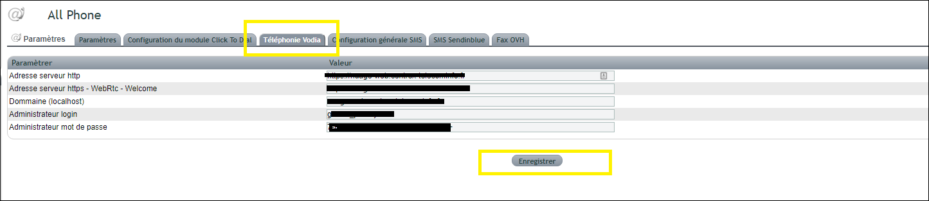
Additionally, enter your Vodia server details. The login and password must match those of an admin-level user.
“Click to Dial” tab on the user record
Finally, configure each user’s extension and associated password.

Configuring the Vodia PBX Server
First, retrieve the URL with its variable scheme.
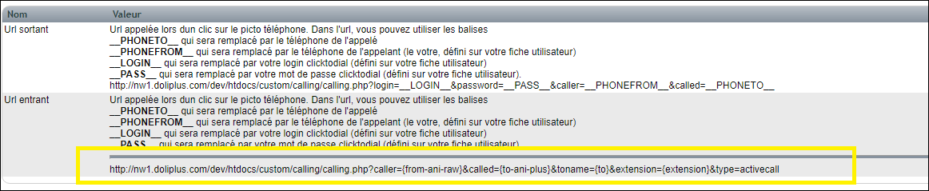
Next, enter this URL in the designated field.

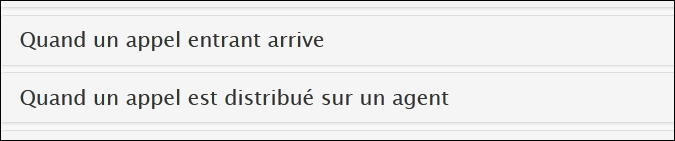
Also, check the fields below.
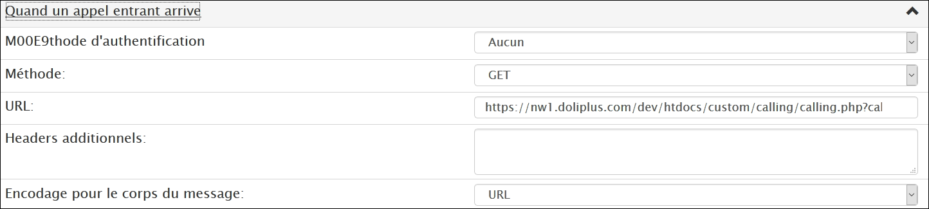
Finally, here is the expected result of your Vodia PBX telephony configuration.
This connector is part of the DoliPlus Click-to-Call telephony, which includes all operators: OVH, Keyyo, Vodia, PBXware, 3CX and SIP phones (Snom, Yealink…).
