 on 5 September 2026
 Visit Report with Dolibarr & DoliPlus
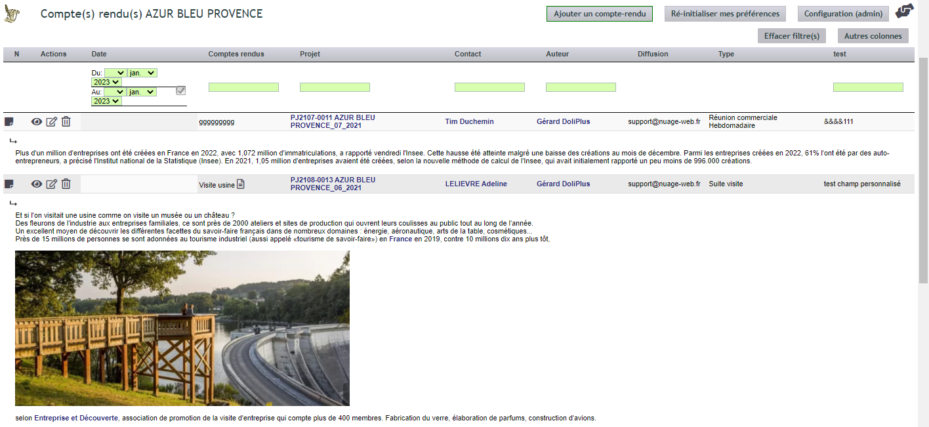
The visit report helps you permanently record every interaction with a customer, then retrieve it from their record. This way, the entire team keeps track of the business relationship.
What is the visit report for?
The visit report preserves the customer relationship during on-site visits or remote meetings. A new account manager can quickly review past interactions and understand the case file.
Additionally, sales teams record key information: competitors in place, real decision-makers, and negotiation status. The “Visit Report” tab, available on every customer or supplier record, provides access to previous reports. Finally, a dynamic table with filters helps you find a keyword in seconds.
Hide visit reports
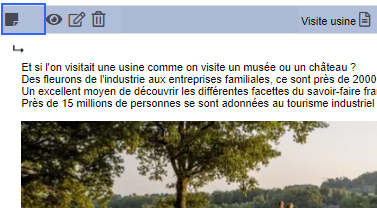
Click the icon on the left at the end of the line.
Expand the text area
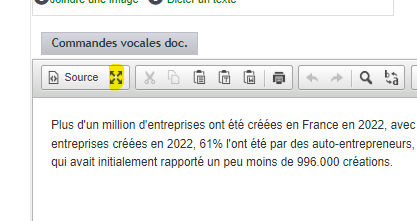
Choose the full-screen icon or drag the bottom-right black icon of the text editor downwards.
Using the feature
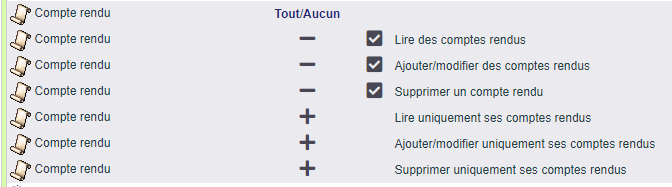
Once the module is enabled, open the “Visit Report” tab on a customer record, then add a report. A dedicated action is then created and linked to the customer or supplier. An administrator can refine settings, the dictionary, and custom fields.
Several options enhance data entry:
- a distribution list sends email notifications to selected recipients;
- voice dictation makes writing easier in Chrome;
- an associated document library allows you to attach documents, images, audio, and video;
- an image can be pasted directly into the editor.
Distribution and read receipts
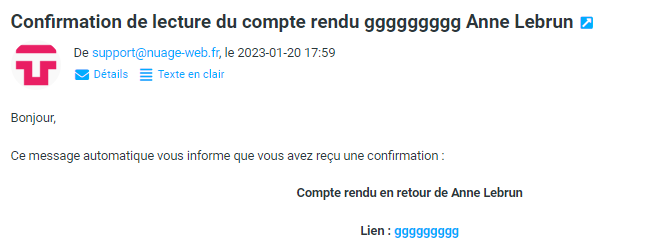
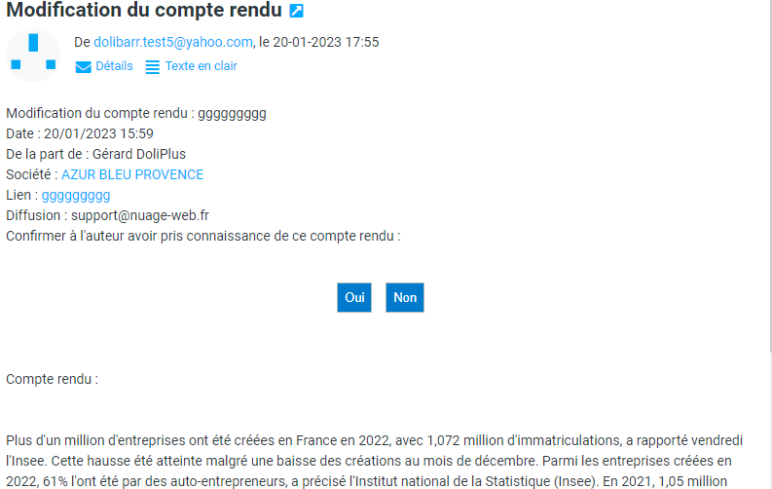
The distribution list plays a key role. If the corresponding box is checked, recipients receive an email. They can then confirm they have read it or indicate they are not concerned. The author receives a read receipt.
Templates, statistics, and other uses
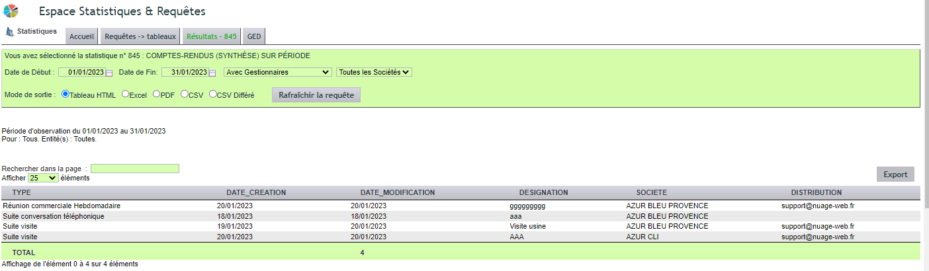
The visit report goes beyond simple text. First, a dedicated library lets you create your own report templates. Then, the 800 series offers two statistical reports: the summary (845) and the detailed report (850) by period.
Finally, the tool is useful beyond customer visits: purchase negotiations with suppliers or meeting minutes. Your teams benefit from formalised meetings with clear responsibilities.
The configuration
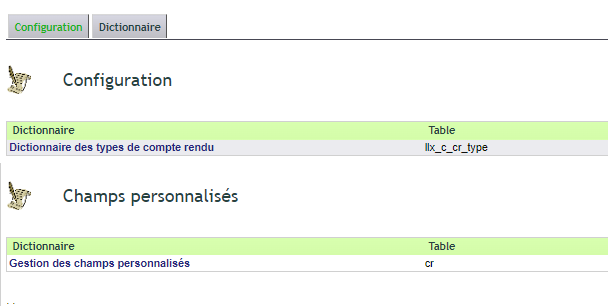
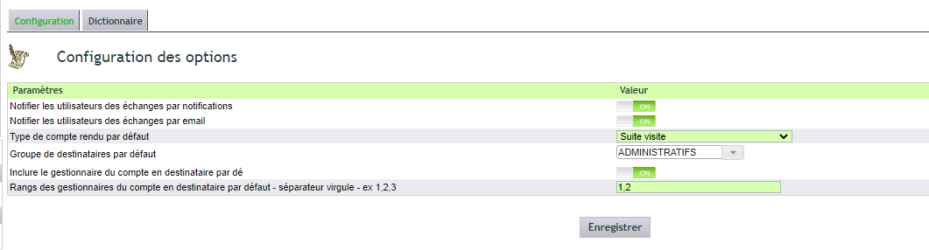
Configuration remains accessible. You enable the desired options, enrich the dictionary of types (code CR_XXX and label), then add custom fields via the INS group.
Why take care of your visit reports?
An unrecorded conversation is soon forgotten. The visit report keeps a record of the relationship, accessible to all.
You benefit in three ways:
- A shared memory: everyone can track a customer’s history;
- Easier handover: a new sales rep can quickly pick up the case file;
- Informed decisions: competitors and decision-makers are logged.
To go further
