 on 5 September 2026
 Word letter templates with Dolibarr
With DoliPlus, you create Word letter templates that are automatically pre-filled from a customer or supplier record. This saves you time and avoids copy-paste errors.
DoliPlus handles templates in .ODT format, but also directly in Word format. Simply select the letter from a dropdown list, and the document generates, ready to print or send.
Pre-filled Word letter templates
The letter is built from a master template, which is never modified. Placeholder variables in the template are replaced when generating the document.
For example, you can prepare:
- a complaint letter;
- a cover letter for documentation;
- a carrier reservation notice.
You can then download the document to edit or print it. Note: after editing on your computer, re-upload it to the document library; a document with the same name will replace the previous version.
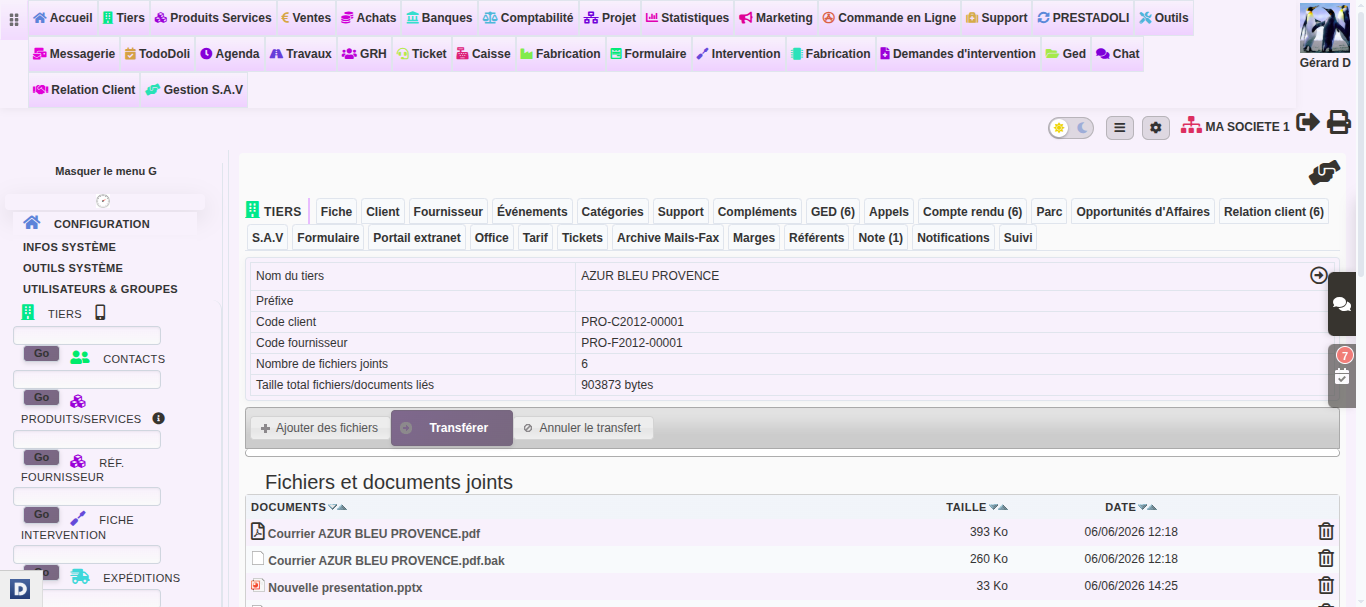
Add or edit a Word master template
Go to Tools → Document and Template Management → Templates, then open the “Courriers_Matrice_Word” folder. Duplicate the “Courrier_Matrice.docx” template, edit it while preserving the variables, and rename it to create as many templates as needed.
Placeholder variable syntax
Variables are written between $ and braces. For example, for your company header: ${company_name}, ${company_address}, ${company_zip} ${company_town}.
Similarly, for a signature: ${myuser_firstname} ${myuser_lastname}, ${myuser_phone}, ${myuser_email}.
Generate a letter from a customer/supplier record
From a customer or supplier record, open the attachments tab, select the template, then start the generation. For bulk postal dispatch, refer to the mail merge mailing.
Further reading
- The Office module’s letter editor
- Postal mail and mail merge
- Dolibarr substitution variables summary
