 on 5 September 2026
 Sync contacts iOS or Android
Contact synchronisation links your DoliPlus address book to your smartphone, whether Android or iPhone. This way, you recognise your customers on every call, without re-entering any numbers.
What is contact synchronisation for?
Contact synchronisation relies on DoliPlus’s CardDAV module. A “DoliPlus” address book then overlays your phone’s existing one, giving you a unified, professional and personal contact list.
Additionally, this list remains independent: deleting it won’t affect your other contacts. To get your credentials, each user clicks on “Address Book Credentials” at the bottom of their record.

Synchronising an Android phone
On Android, you install a synchronisation app (not provided). This adds a new account that overlays your existing address books, seamlessly. Several solutions use the CardDAV standard:
- DAVx⁵: recommended all-in-one solution (contacts and calendar);
- Open Sync: free all-in-one solution;
- CardDAV-Sync: address book only.
The process is simple. Install the app, enter the provided address, username and password, then set the synchronisation direction and frequency. After a few minutes, your contacts appear in your phone’s address book.
Synchronising an iPhone or iPad
On iOS, no app is needed. Contact synchronisation is added via system settings:
- Open Settings, then Contacts (or Mail, Contacts, Calendars);
- Tap “Add Account”, then “Other”;
- Choose “Add CardDAV Account”;
- Enter the provided address, username and password, then confirm.
Your contacts then appear in the Contacts app. Any changes are reflected at the next update.
Configuring contact synchronisation
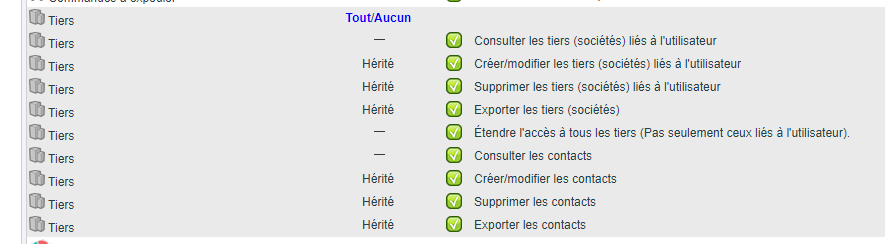
From the admin side, go to Home → Configuration → Address Book. Each user’s permissions determine which contact groups to synchronise. Additionally, a category filter precisely targets the desired contacts.
Only certain contacts are synchronised: those with a phone number, active, of “contact” type, and whose customer or supplier record is not closed. If your database contains thousands of contacts, a filter prevents overloading the phone.
SMS tip: use category-based synchronisation to occasionally send SMS to contact groups from your mobile plan.

Why synchronise your contacts?
An unknown number appearing is a customer you don’t recognise. Contact synchronisation removes this uncertainty.
You benefit in three ways:
- personalised greeting: the caller’s name appears instantly;
- up-to-date records: changes synchronise both ways;
- shared database: the DoliPlus address book follows each user.
Learn more about importing contacts
Going further
